 lalo-app
 Paceline
Stock, done right
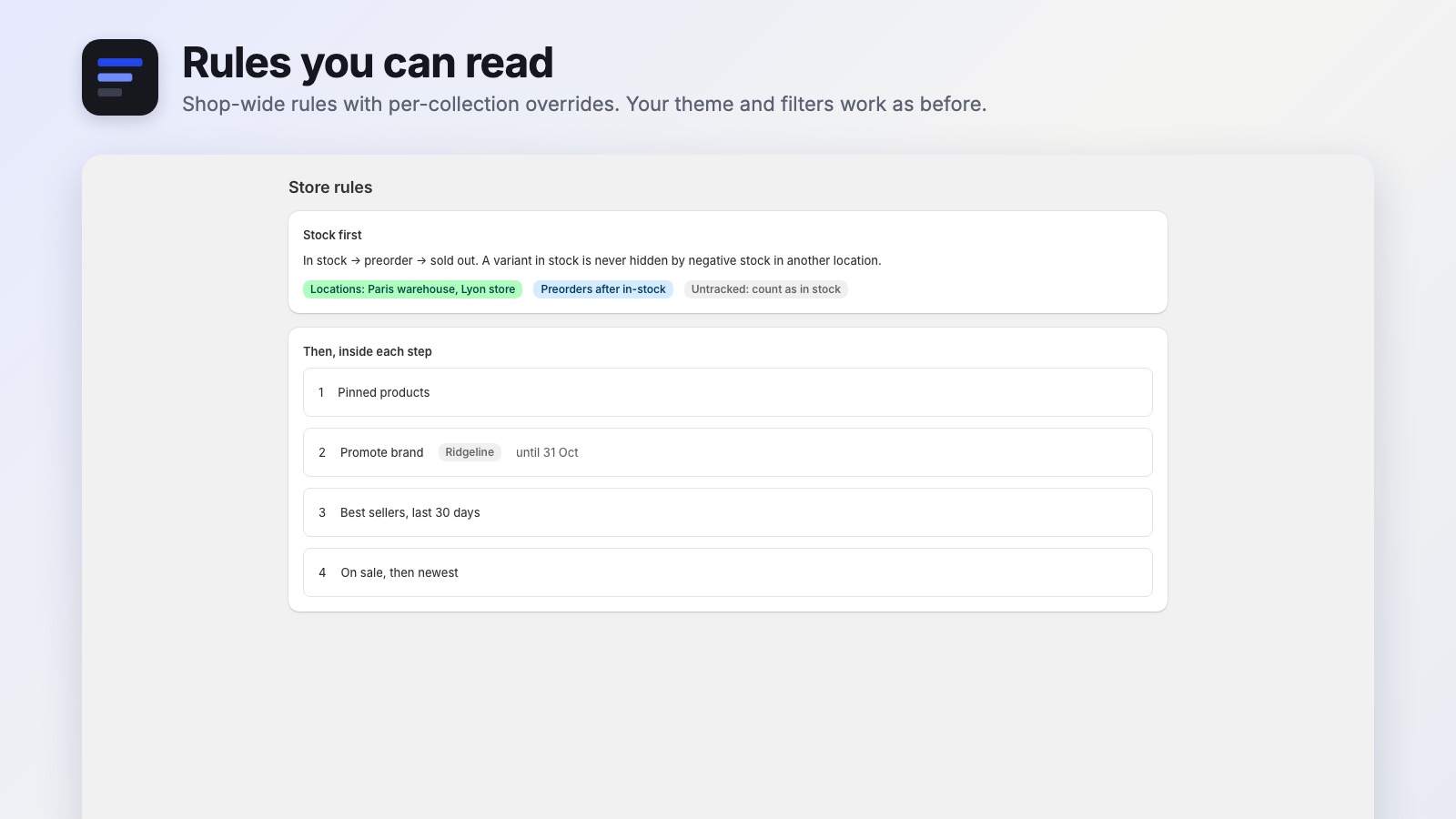
Choose which locations count, where preorders go and how untracked items behave. A variant in stock is never hidden by negative stock elsewhere.
Shopify app · collection sorting and merchandising
Paceline puts every collection in a sensible order: in stock first, preorders where you decide, sale and best sellers up, sold out last. Every move has a reason you can see, every run can be undone. Scout suggests SEO-ready collection pages, and shoppers who opt in get a personal first page.
In early access. Write to us — we set it up together with you.
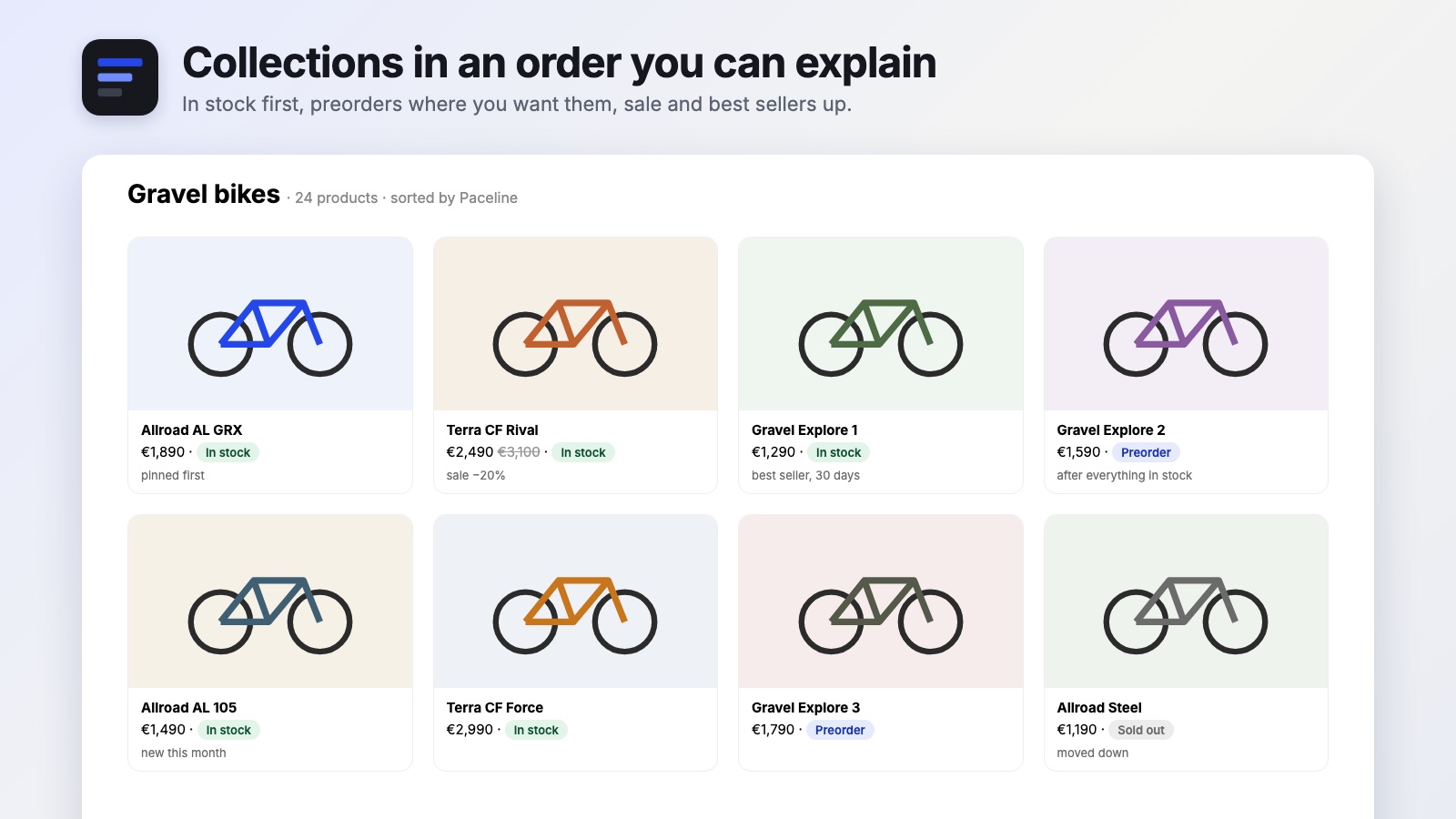
Choose which locations count, where preorders go and how untracked items behave. A variant in stock is never hidden by negative stock elsewhere.
Shop rules with per-collection overrides: best sellers for a period, brand balance, scheduled promotions, pinned products.
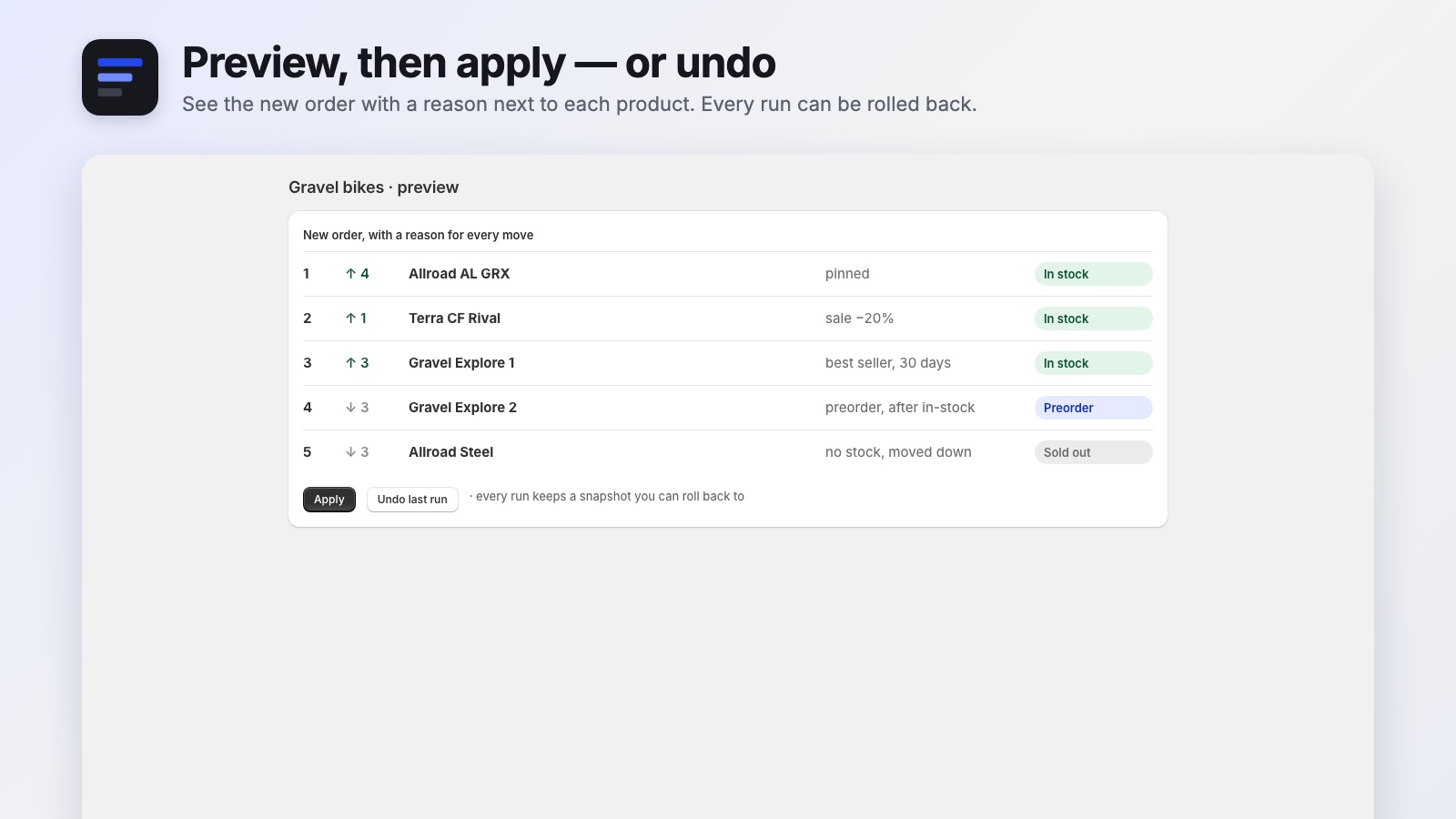
See the new order with a reason next to each product before anything changes. Every run keeps a snapshot.
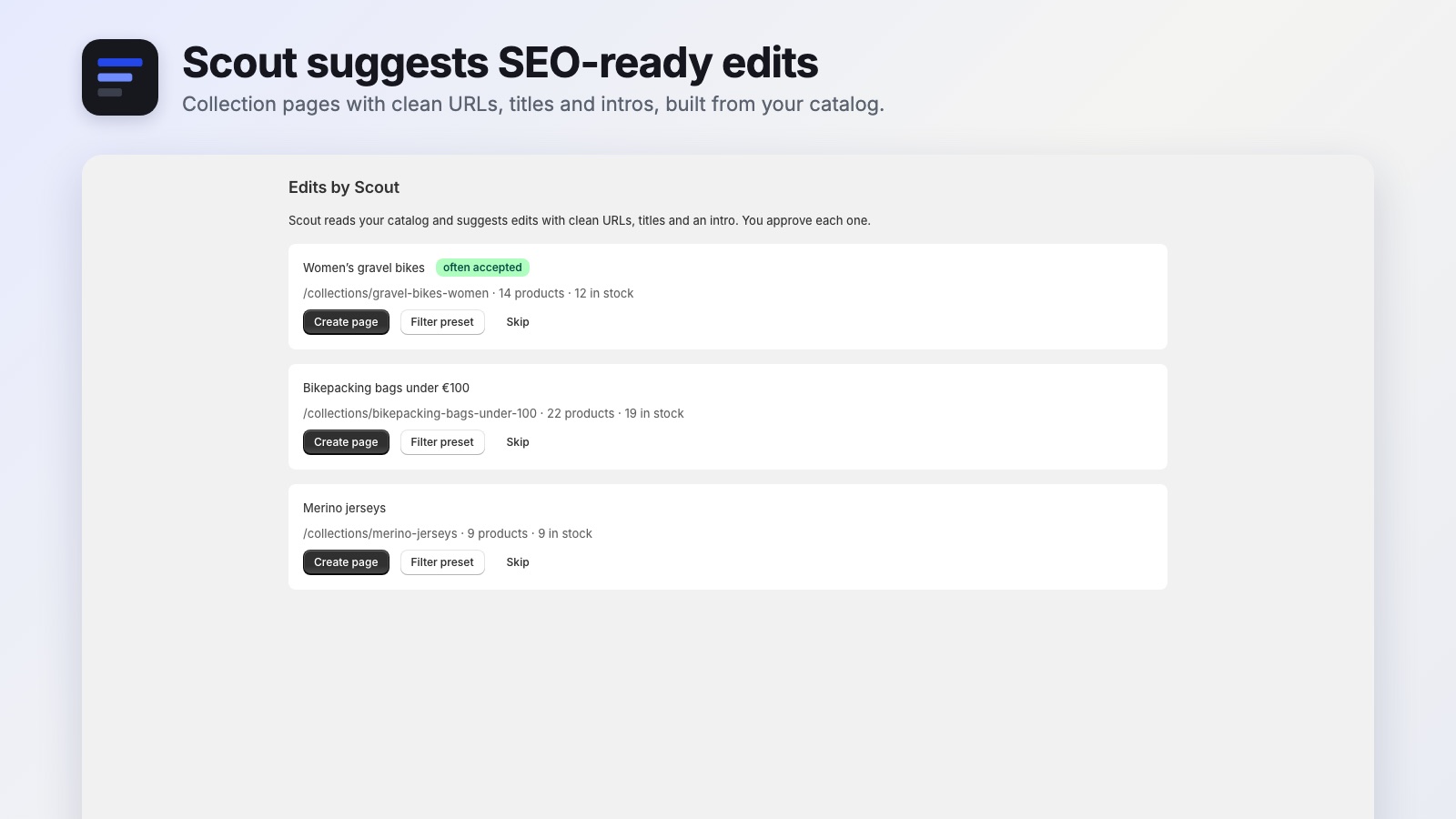
Scout reads your catalog and suggests collection pages like “Women's gravel bikes” with clean URLs, titles and intros.
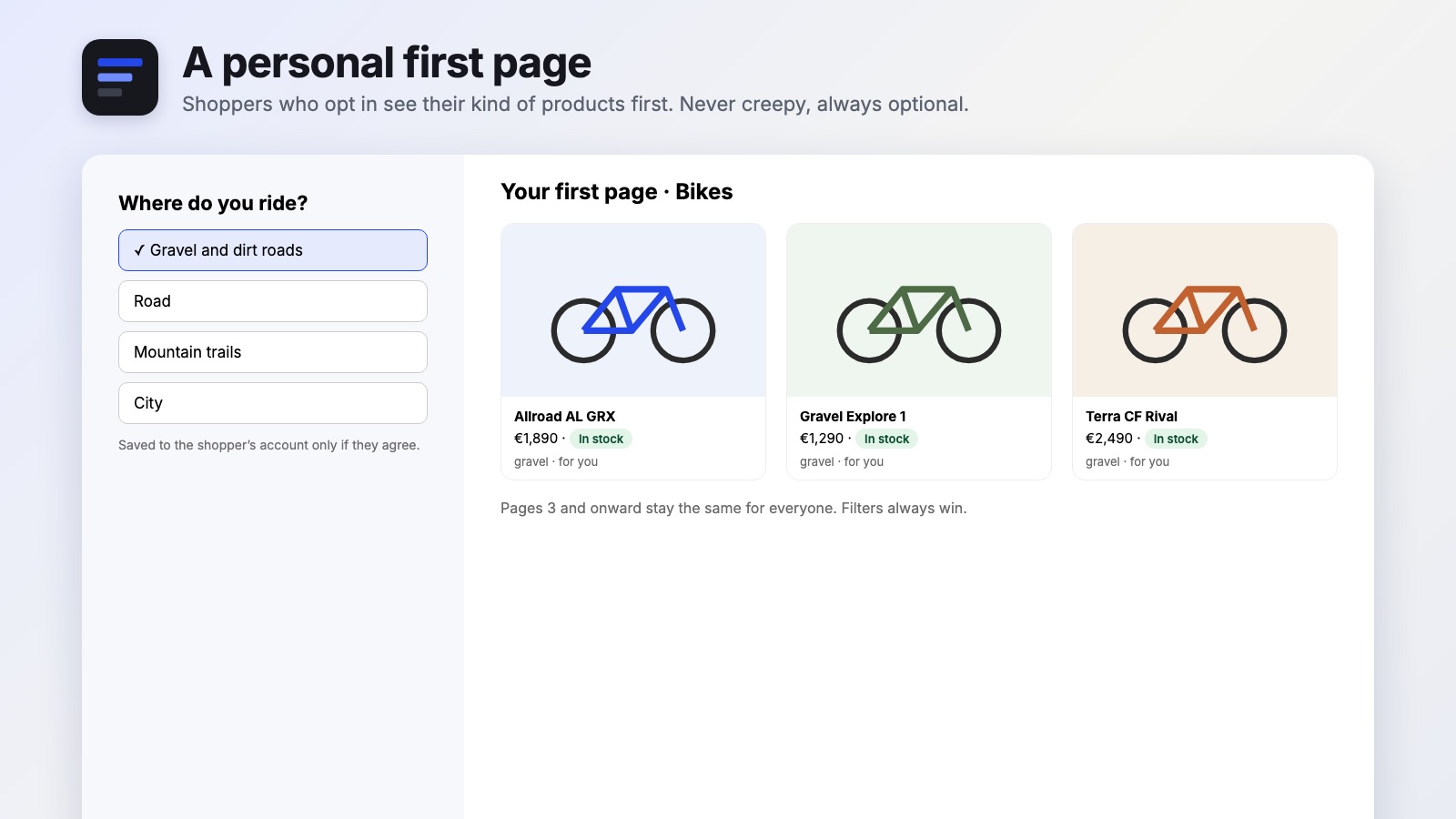
Shoppers who opt in see their kind of products first. Filters always win; pages after two stay the same for everyone.
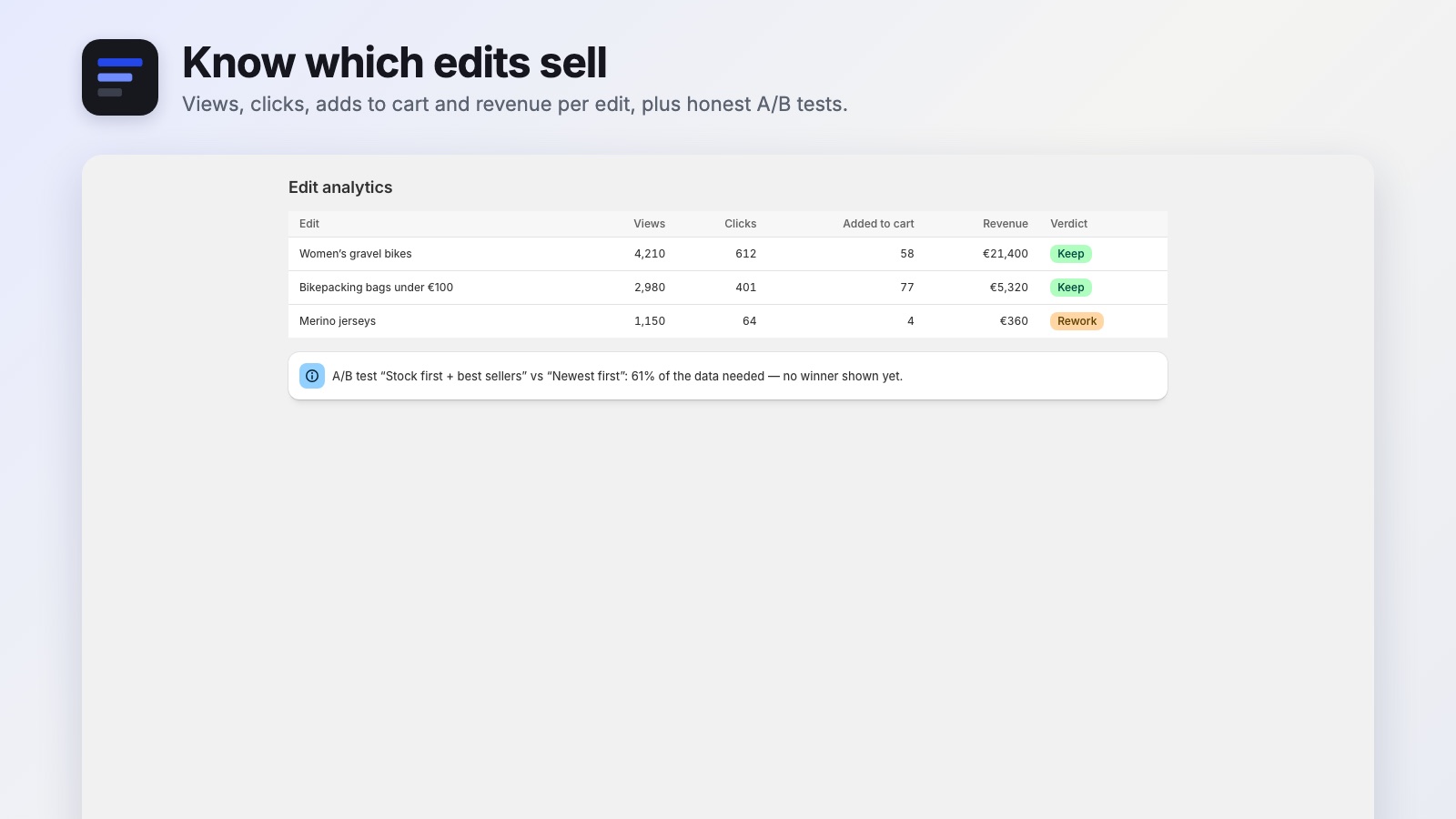
Views, clicks, adds to cart and revenue per edit, and A/B tests that show no winner until the data is enough.
| Capability | Paceline | Typical sorting apps |
|---|---|---|
| Stock per chosen location, preorders placed where you decide | Yes | One stock number, sold out down |
| A visible reason for every product's position | Yes | A new order without explanations |
| Preview before applying, undo any run | Yes | Changes go live straight away |
| SEO-ready collection pages suggested from your catalog | Yes | Not part of sorting apps |
| Theme, filters and pagination work as before | Yes | Some replace the collection page |
“Typical apps” sums up what we found reviewing the leading apps in this Shopify App Store category in 2026.
Paceline is in early access. Pricing will be published with the Shopify App Store launch; early access stores set it up together with us.
Get early accessNo. Paceline writes the order to Shopify itself, so your theme, filters and pagination work exactly as before.
You decide: preorders right after in-stock products or at the end, untracked products counted as in stock or not.
Yes. Every run keeps a snapshot of the previous order, and you can roll back in one click.
Only for signed-in shoppers who choose what they like. Their choice is saved in their customer record in your store. We keep no shopper data.
After product and stock changes (with a short pause so bursts are combined) and every night at 03:00 in your store's time zone.
Setup help, a feature you need, a question before installing — write to us. We are a small studio working in the Paris and Moscow time zones, and the developer of Paceline reads every message.
lalo-app · Shopify apps and websites · lalo-app.com